

** See the bottom for discount codes
DJI has become a world leader in drones and mobile camera technology. They have pushed the limits of size and weight of drones, gimbals, and microphones.
A major factor in the success of the all DJI products are the batteries. Without strong batteries the gimbals, drones and microphones are tough to use.
Out camping, on road trips, and making content, all these batteries need to be charged. With the Power 1000 and Power 500, DJI are now making the power station, an electrical home base if you will, to reset and charge everything back up.
Building on the success and technology of the Power 500 and 1000 launched in 2024, DJI just released the Power 1000 Mini. Same total 1008 wH capacity as the Power 1000 but in half the size.
DJI says the Power 1000 Mini ‘builds on more than 15 years of dedicated research and development in battery innovation.’
‘With more than 700 battery patents and more than 10 million users globally, DJI batteries have been validated through tens of billions of charging and discharging cycles for drones, cameras, gimbals, microphones, portable power stations, and beyond.’ I never think of DJI has a battery company as well but they have made more than a few.
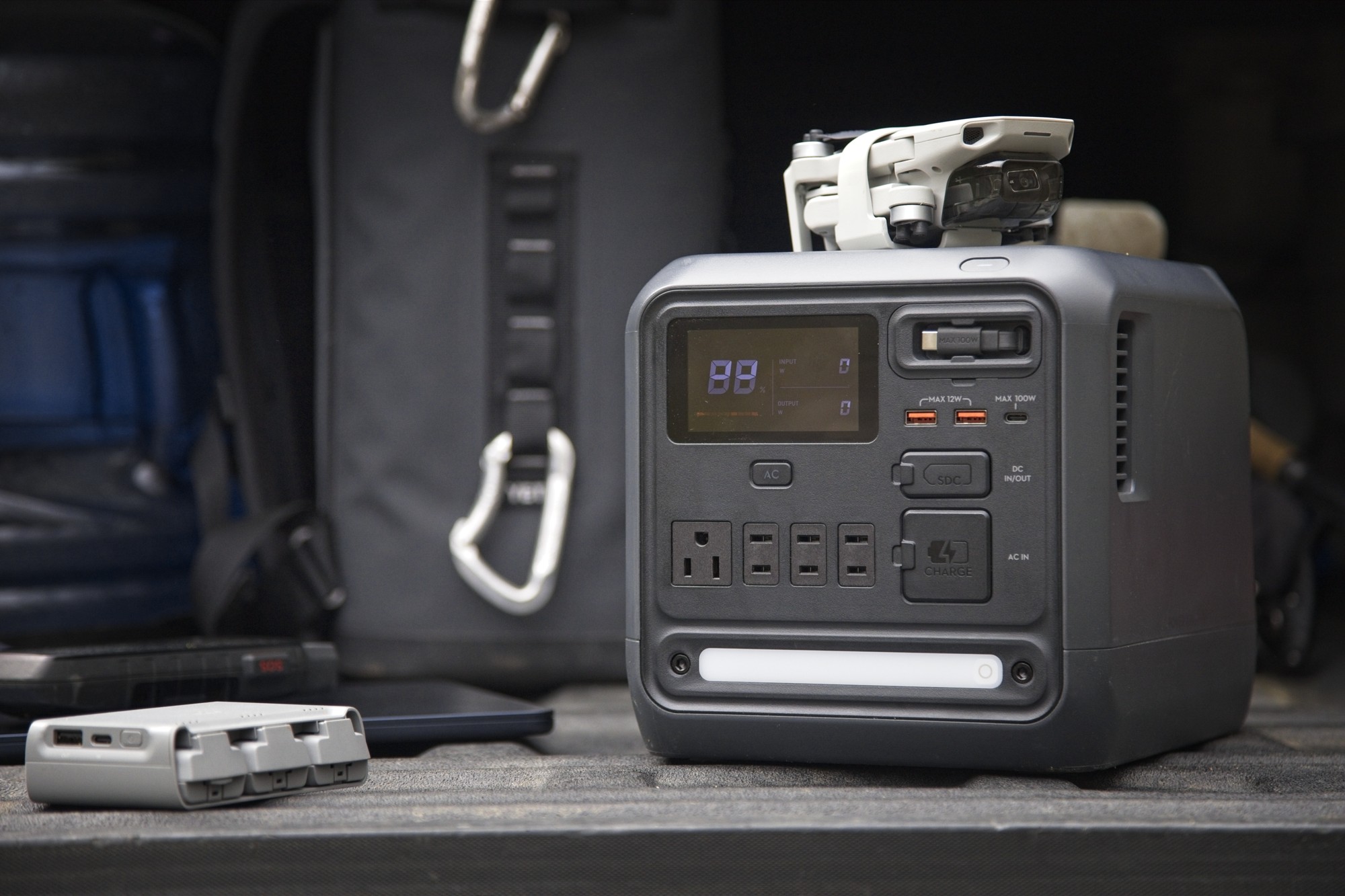
The Power 1000 Mini is focused is on efficiently charging smaller items like drones, laptops, cameras, and phones. Those aren’t the only things it can power. Anything with AC, USB, or SDC cords or adapters up to the 1000 watt max will charge.
Let’s have a look at the rest of the specs and our testing results.
What’s in the box?
- POWER 1000 Mini power station
- Quick start guide
- Safety guidelines
- AC charge cable
- SDC car port cable
- SDC MC4 solar panel cable
Power 1000 Mini Specs
The Power 1000 Mini is a compact rectangle with a handle on one end and all the ports on the other. All the ports, screen, and light are on one end so you don’t have to go digging around the back to plug anything in.
The top is flat and the handle is flush with the top so it’s easy to pack around. The handle has a grippy material on it. It’s well-placed so it’s easy to pick up one-handed.
- 1008 watt-hours (wH)
- charge 80% in 58 minutes
- charge 100% in 75 minutes
- 3 foot retractable 100W USB-C cable
- 0.01 second UPS
- Dimmable light
- Battery Management System (BMS) with 10 temperature sensors
- Tested to work normally up to 5000 metres
- Rated 80% capacity over 4000 cycles
- 11.5 kg (25 pounds)
- Can operate between -10°C and 45°C
- 31.4×21.2×21.6 cm (L×W×H)
Ports and Output
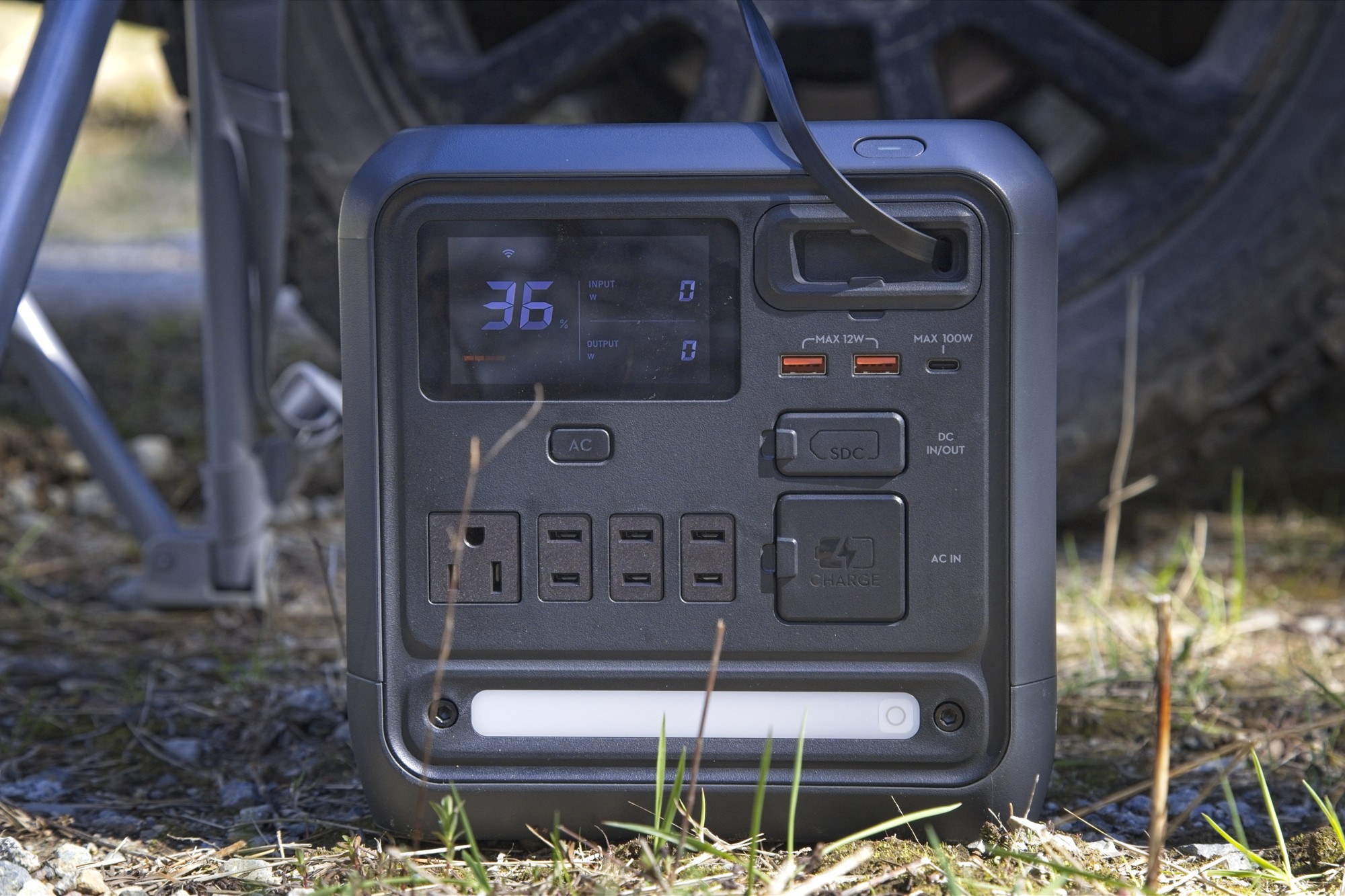
The Power 1000 Mini has a good selection of ports.
- 2 USB-A
- 1 USB-C
- 1 retractable cable USB-C cable (3 feet)
- 4 AC (1 grounded)
- 1 SDC
- 1 AC input
The retractable 100 watt USB-C cord is super convenient for charging everything these days and I can’t lose it. A magnet keeps the end flush with the front panel. I love having the built in cable. Most of what I charge now is USB-C.
90% of my charging is for USB devices. Between phones, tablets, headlamps, camp lights, drone batteries, camera batteries, speakers, laptops, and headphones, theres a lot to charge. The 2 USB-A ports and 2 USB-C ports are always full when we’re getting ready for a trip and at the campsite. I would gladly take more USB ports if they could add them.
The 2 USB-C ports share 150 watts between them. Each can go up to 100 watts if the other isn’t used.
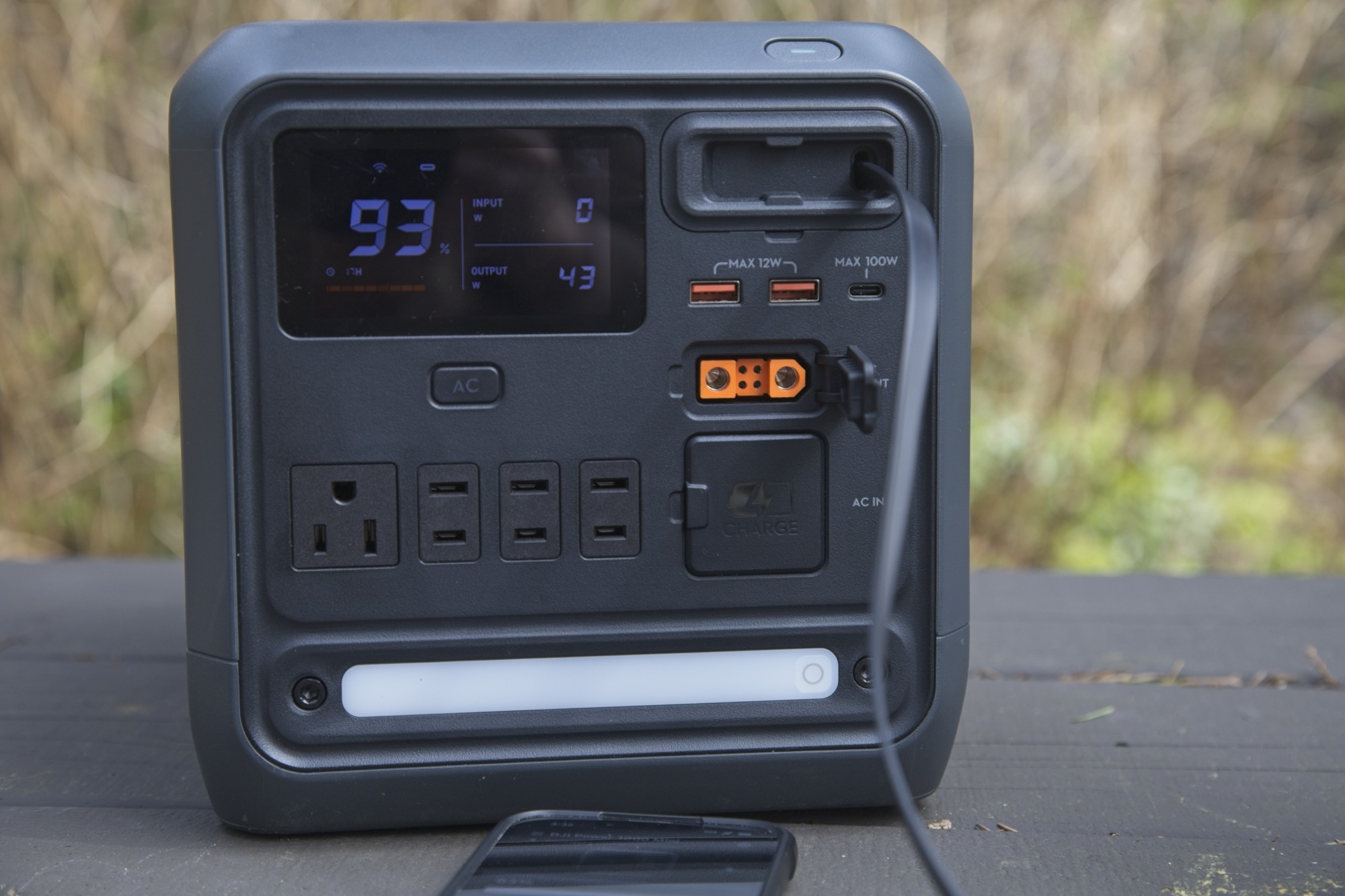
The SDC port stands for Software Defined Charger and can be used with a bunch of other DJI cables. For input to charge the station, cables for the car accessory port or MC4 connectors for solar panels. For output, it has a DC car accessory port and fast charge adapters for many of the DJI drone batteries. If you need multiple SDC ports, the Power 1000 might be better with an SDC and SDC lite port.
The 4 AC ports are good for bigger devices. There’s only 1 with 3 prongs that’s grounded so keep that in mind. I’m rarely on AC so the USB is heavily used. We’ll run a projector or hair dryer on the AC on occasion. If you can run DC through the USB ports it’s more efficient but sometimes it’s not possible.
Charging
There’s 5 ways to charge the Power 1000 Mini.
- AC – Fast charge
- AC – Regular charge
- Solar (through SDC port)
- Car (through SDC port)
- 100 W built-in retractable USB-C cable
The easiest and fastest is the fast charge through the AC port. 800 watts is the max speed on fast charge charging 80% in 58 minutes and 100% in 75 minutes.
Regular charge works well too. Fast charging usually reduces the life of batteries a little quicker so if you want max lifespan, I’d go with regular charging.
There is a car port to SDC adapter available that can charge up to 400 watts as well. DJI says about 160 minutes to charge. I didn’t have one of these adapters to test.
The MPPT module can take up to 400 watts from solar so that would take a couple hours. I will be testing this more when we get some decent sun. Our Pacific Northwest sun isn’t doing much right now.
Screen
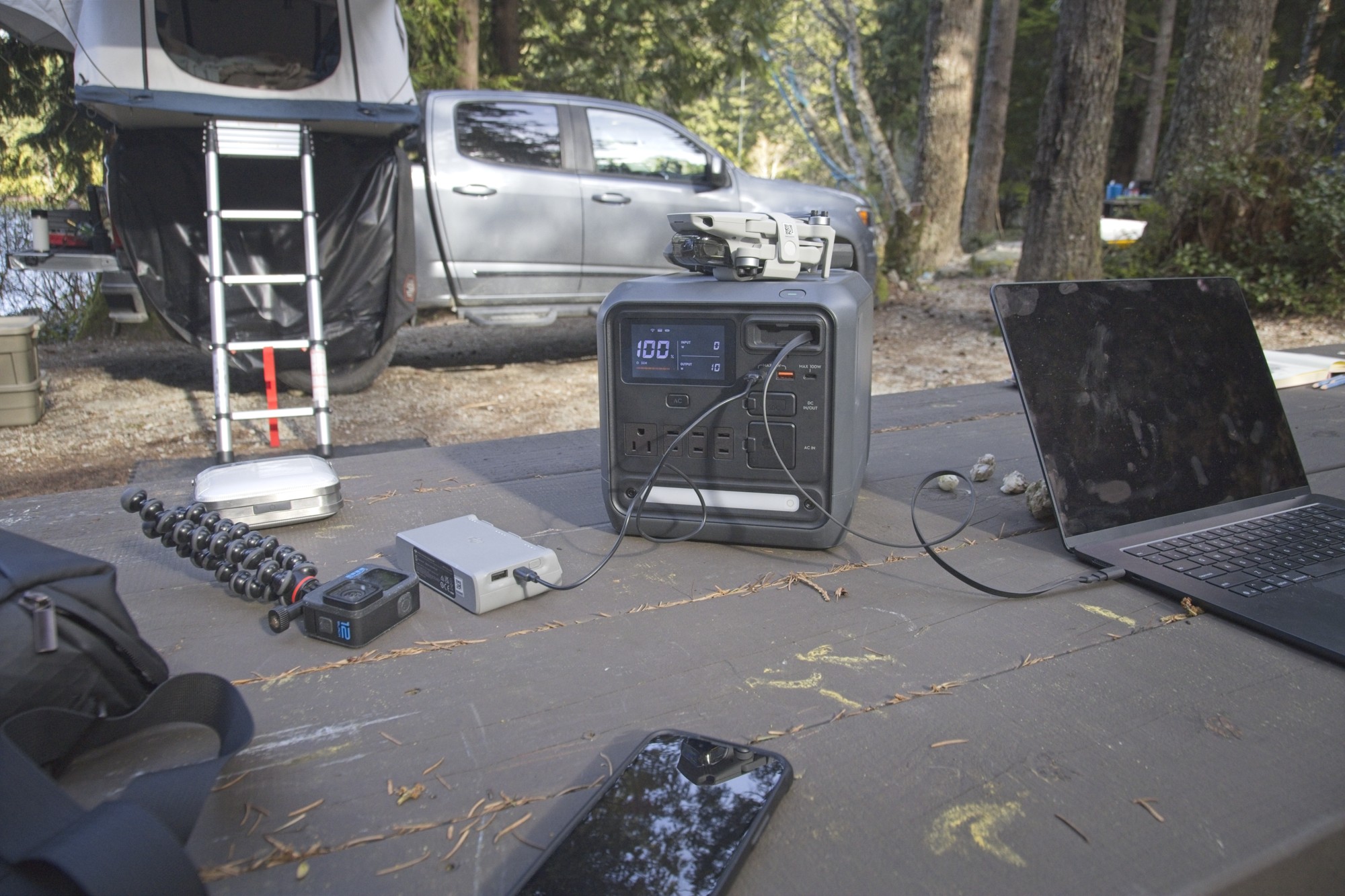
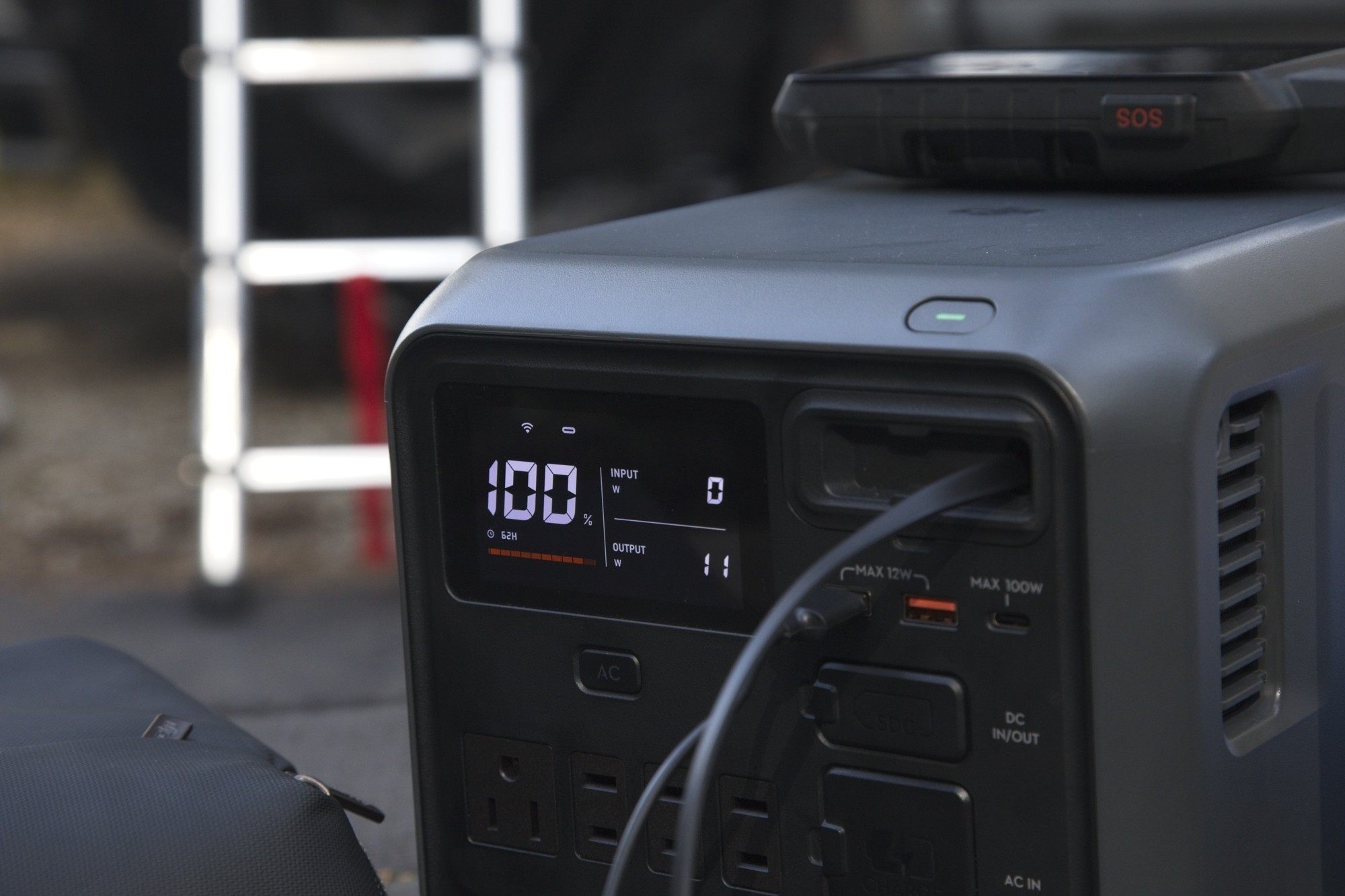
The screen is clear and doesn’t take up much space on the main panel. It’s bright and easy to see.
It shows:
- current charge in percent and bar chart
- how many hours power left for what’s plugged in
- input in watts
- output in watts
- Wifi
- Ports that are currently drawing power
A single press on the power button turns the screen off. It is fairly bright so it’s nice to turn off when sleeping. It doesn’t say anywhere the power draw of the screen but obviously it’s something so turning the screen off would save a bit.
Light
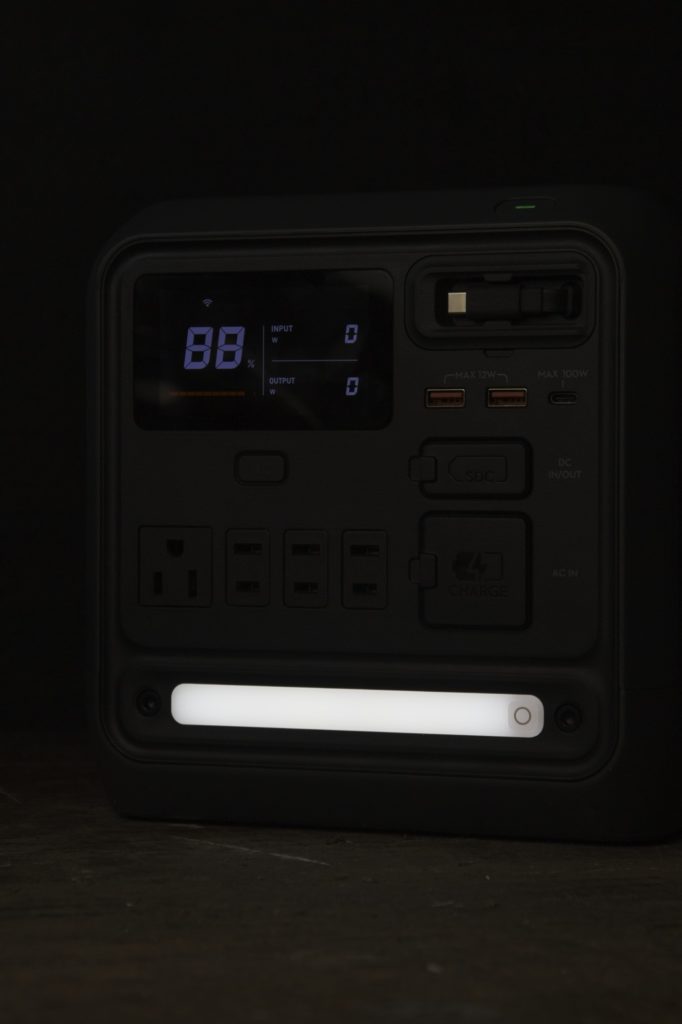
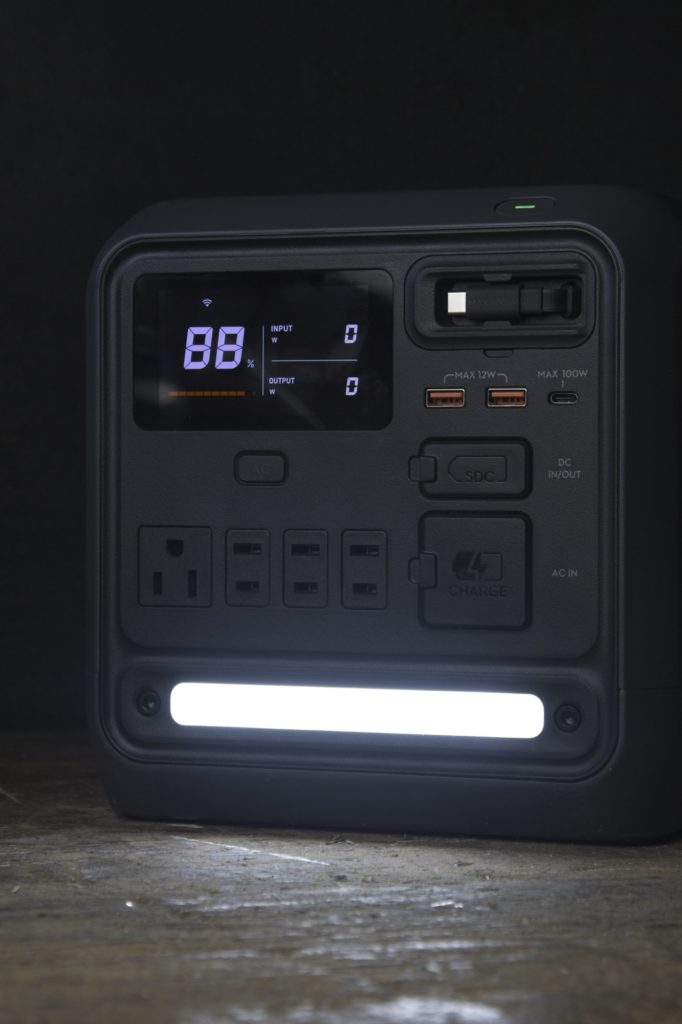
The light at the bottom turns on with one click, and then dims or brightens by holding it. It flashes at the brightest and dimmest. A double press turns on the SOS mode.
UPS
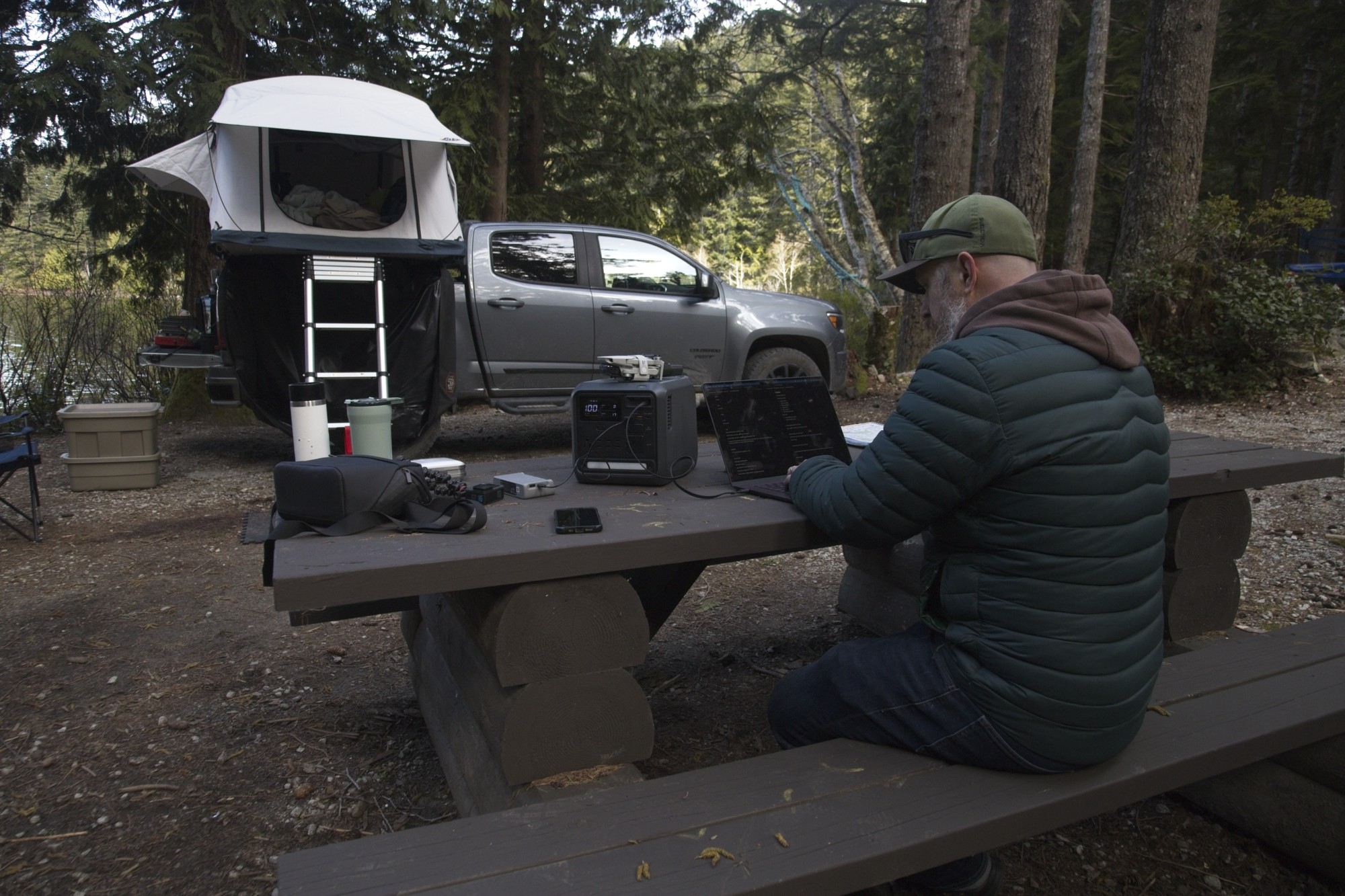
If you’re working during a storm and need equipment to keep running, you can use the Mini as a UPS or uninterruptible power supply. In 0.01 seconds it can switch over from AC power to battery power. That’s enough to keep most electronics from turning off and your computer running.
App
The app can control most of the functions on the Power 1000 Mini. After connecting it with Bluetooth and then wifi, it can turn any of the ports on or off individually.
The light can be turned on and off in the app as well.
It’s easy to see how much ower is left and how many watts are going in or out.
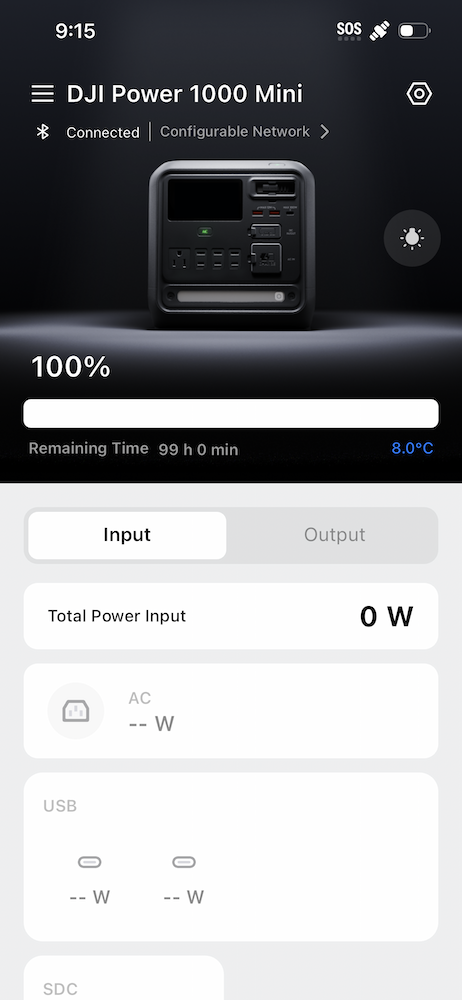
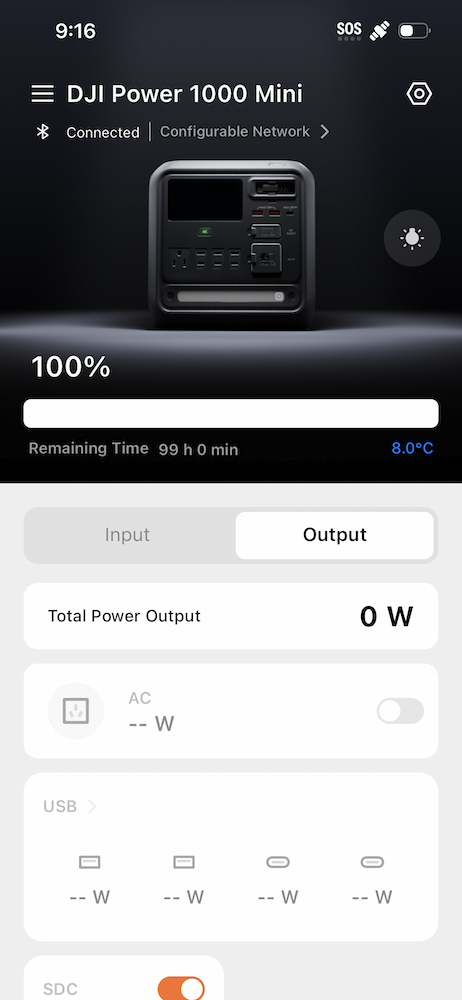
For settings, you can set or see a few things
- see internal temperature
- set discharge or recharge limits
- enable a low battery alarm.
- auto-enable AC output when it turns on
- set to recharge fast or slow
- set screen timeout
- set device timeout
- set ac timeout
- set temp units
DJI regularly updates the firmware to fix any bugs or issues they may have found. I had an update pending on mine when I started it up. I connected it to wifi and 10 minutes later it was all updated and had restarted.
Compared to the Power 500 and Power 1000
The Power 100 Mini sits between the Power 1000 and the Power 500 in terms of number of ports, total capacity, and max output.
| Power 1000 Mini | Power 1000 | Power 500 | |
| Ports | 2 x USB-A 1 x 100W USB-C 1 x retractable 100W USB-C 1 x SDC 1 x grounded AC 3 x AC 1 x AC input | 2 USB-A 2 x 140 watt USB-C SDC × 1 SDC Lite × 1 4 x grounded AC 1 x AC input | 2 x 2-way 100W USB-C port 2 x USB-A port 1 x SDC Lite port 2 x ground AC 1 x AC input |
| Capacity | 1008 wH | 2024 wH | 512 wH |
| Continuous output | 1000 watts | 2200 watts | 1000 watts |
| Weight | 11.5 kg 25 pounds | 14.2 kg 31 pounds | 7.3 kg 16 pounds |
| Retractable 100W USB-C | Yes | No | No |
| Light | Yes | No | No |
| App | Yes | Yes | No |
| UPS | Yes | Yes | Yes |
| Release | April 2026 | April 2024 | April 2024 |
| Cost | $649 CAD $479 USD | $599 CAD $436 USD | $299 USD |
| Links | DJI Amazon | DJI Amazon | DJI |
Video Review
Final Thoughts
DJI know batteries. They’ve only made millions of them for all their drones, gimbals, cameras, and vacuums. Making a home base, a power station, to recharge them all seems like the logical next step. DJI’s more efficient power usage and SDC connections give them an advantage over other power stations, especially if you own any other DJI products.
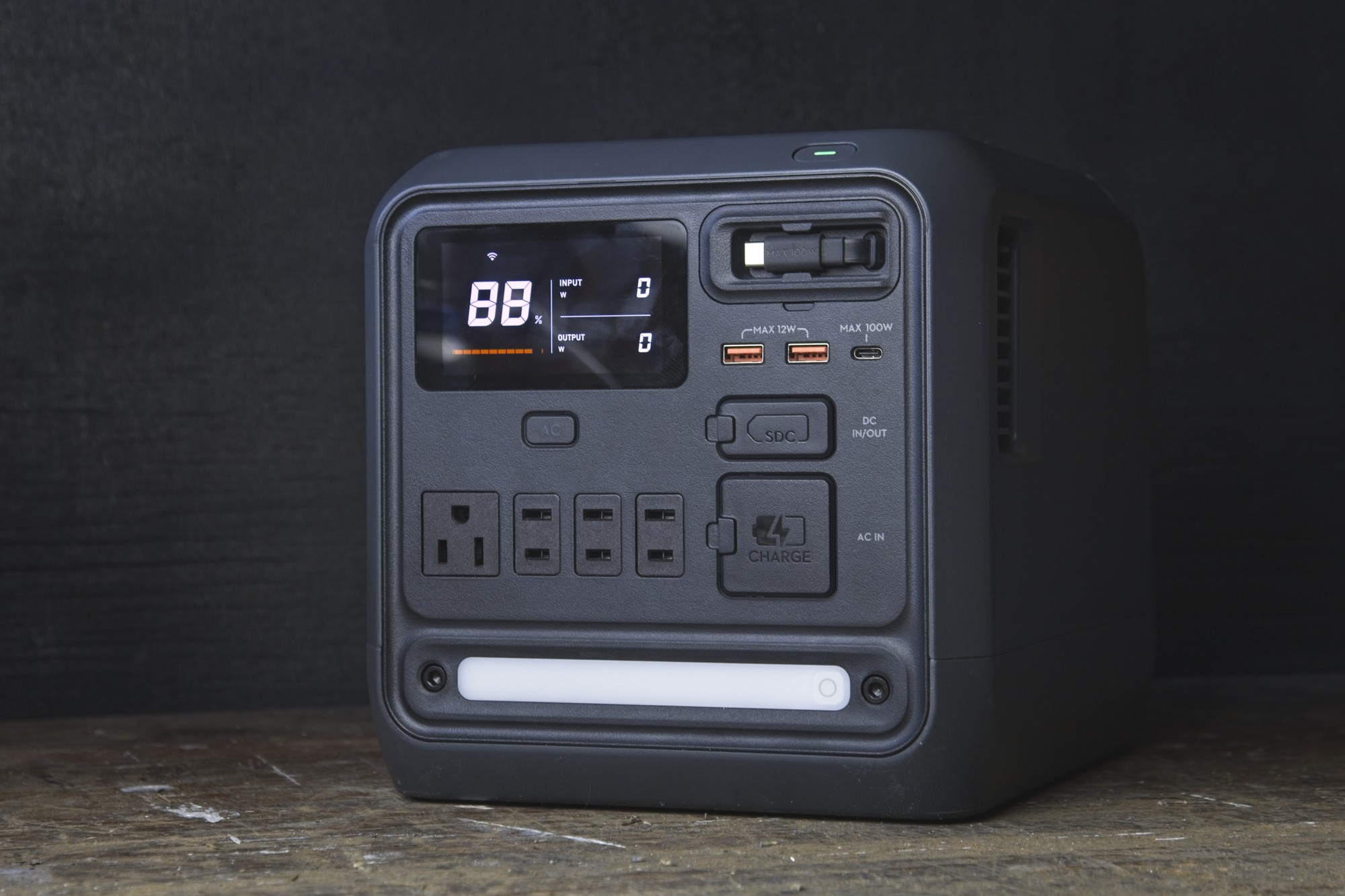
I find the port selection in a sweet spot of compact size but useful ports. I could always go for more USB ports but that would be at the cost of AC ports I’m sure.
The compact size, flat top, and big handle on the back make it easy to move around. Power stations can get very heavy very quickly. I don’t want to be hauling more than I need to at the end of a long day exploring and packing.
The max output is a bit lower than other power stations but you take a big hit on size to get it. There will be some that need the higher max output for tools or applies but for those that need a lot of juice for lower power devices like phones, cameras and drones, it’s perfect.
Highly recommended
$649 CAD – $479 USD
Discount Codes
$40 USD off at the DJI Store: DJIPOWERCA02 (unit and combos)
$10 CAD off Amazon.ca: DJIPOWER6 (unit only)
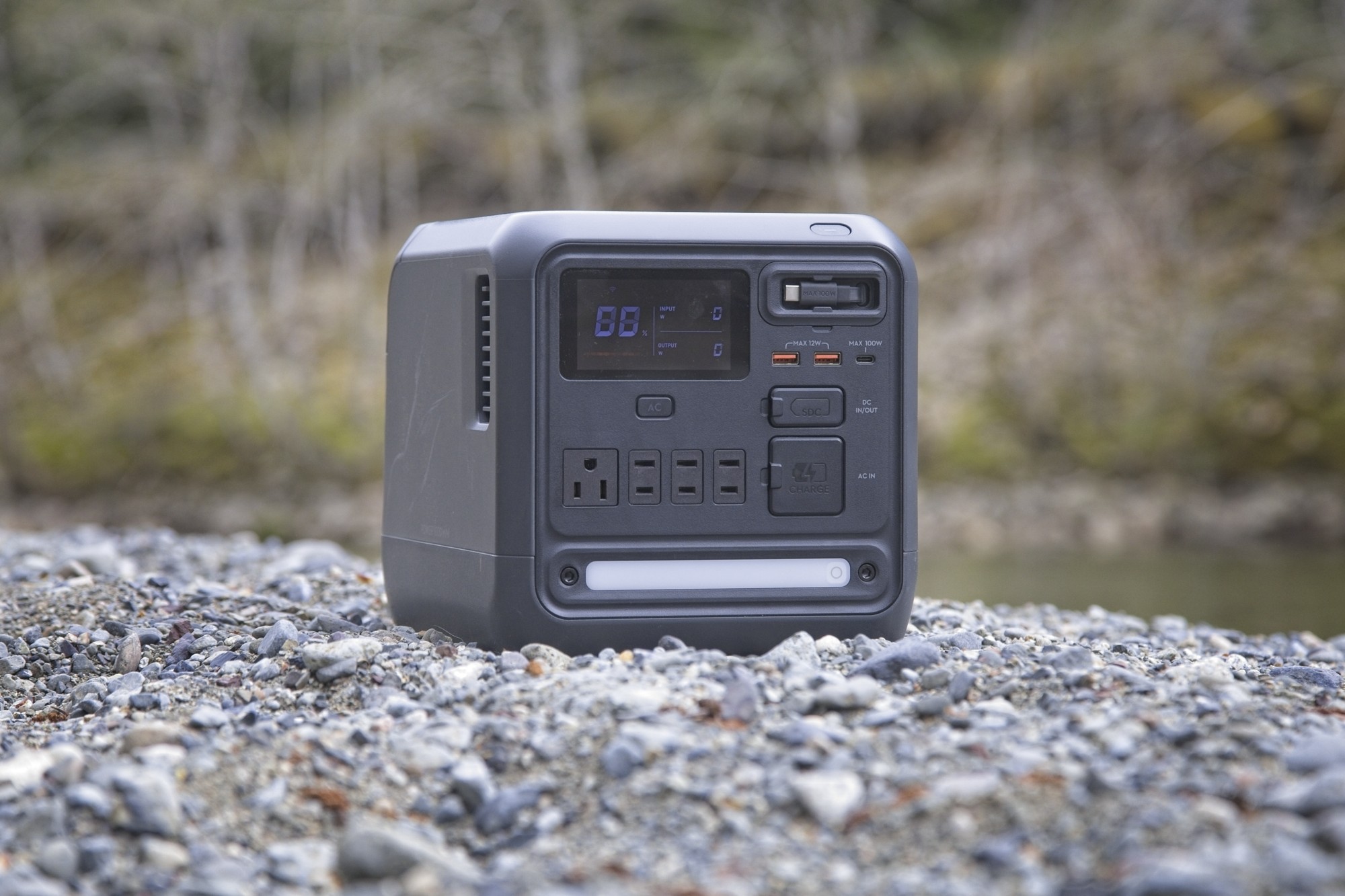
More photos from testing
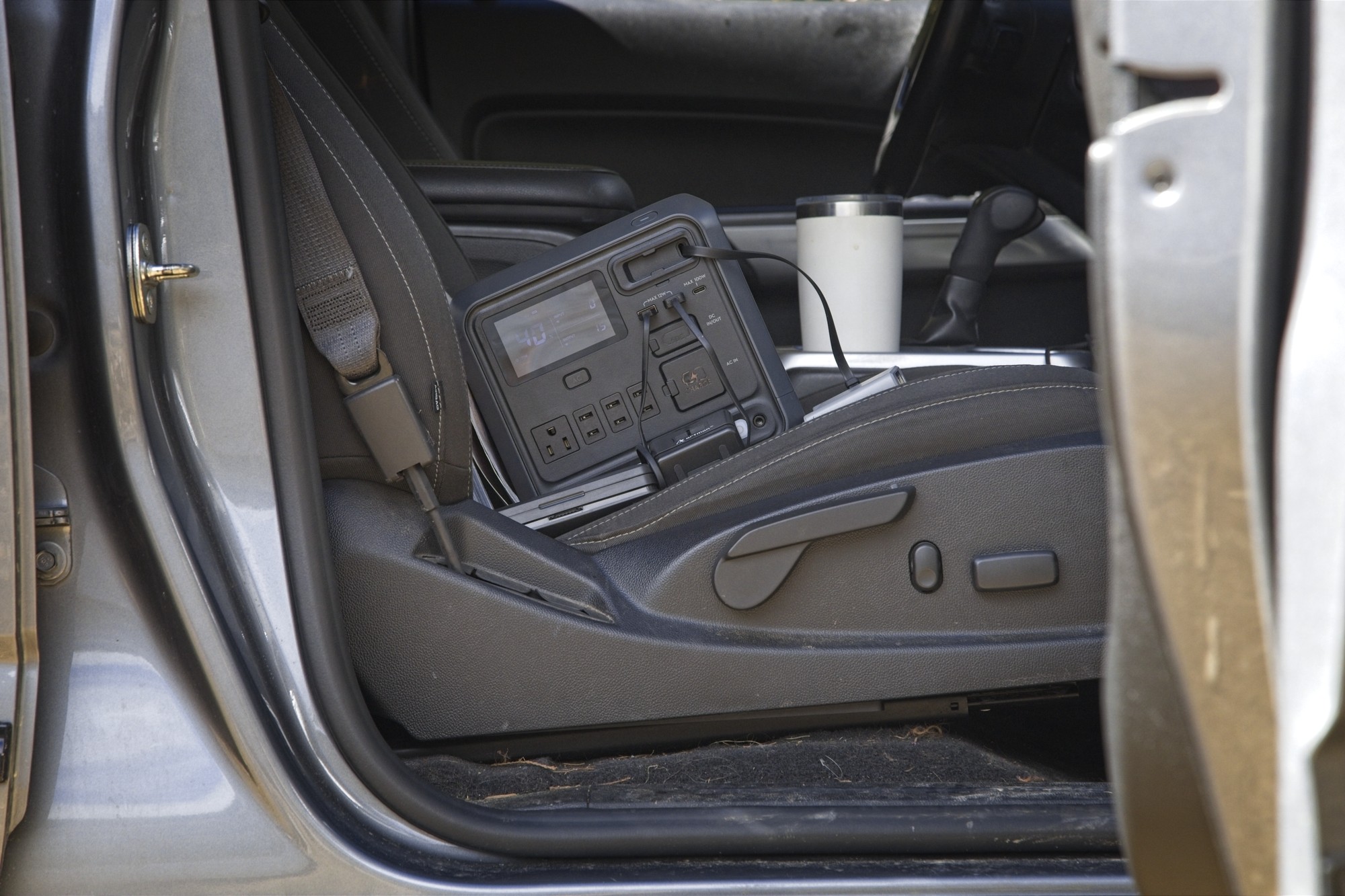
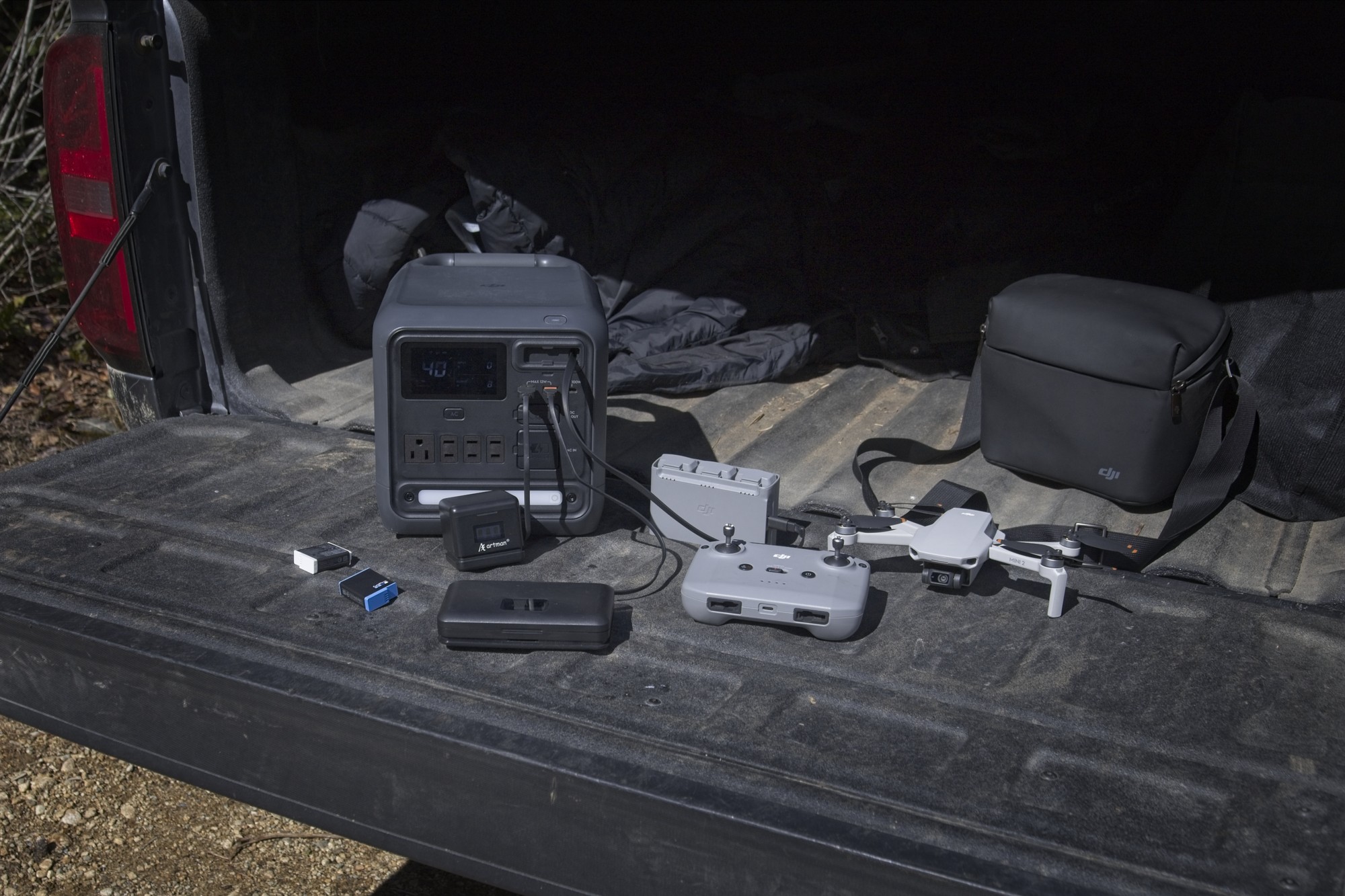
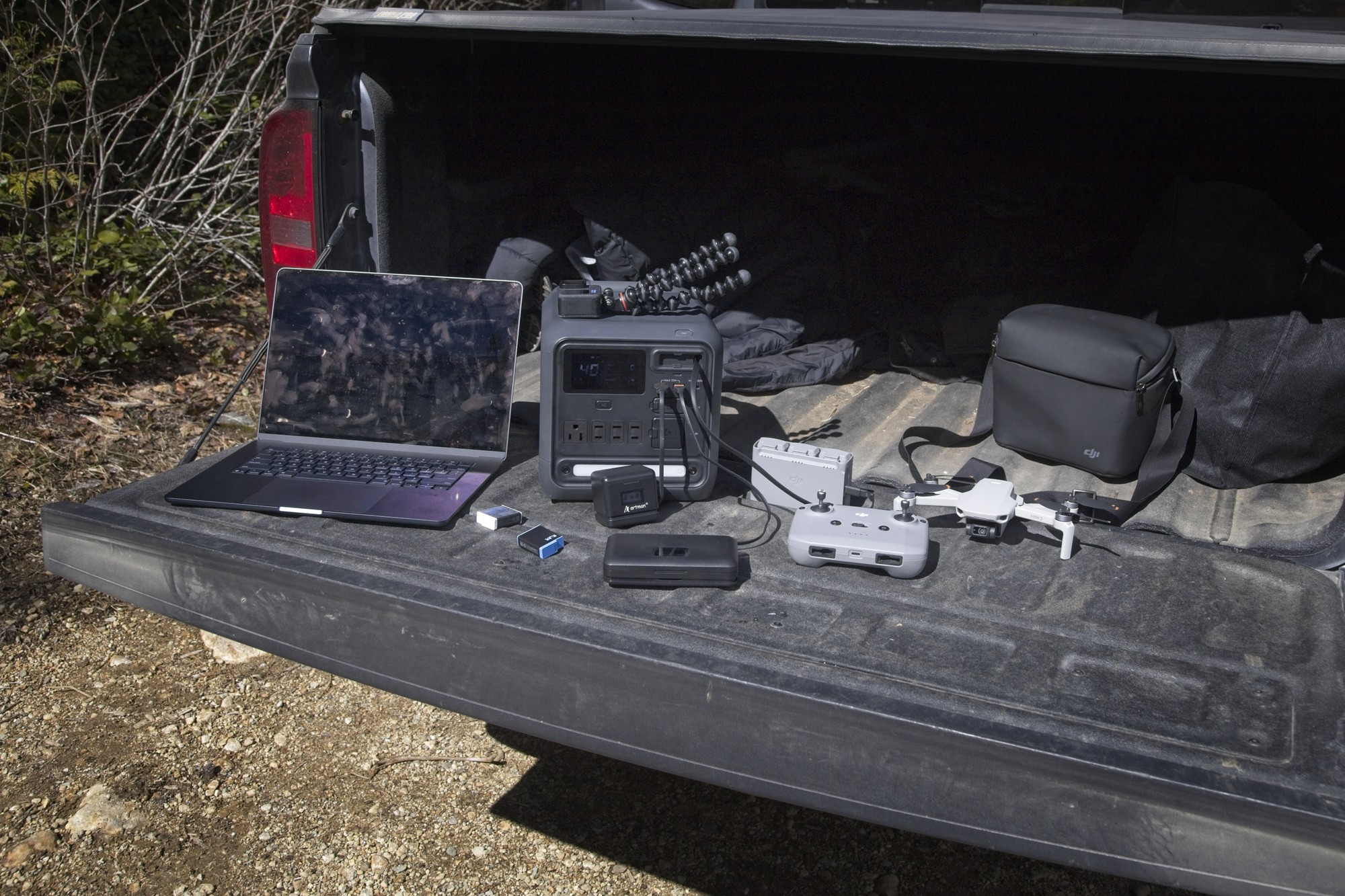
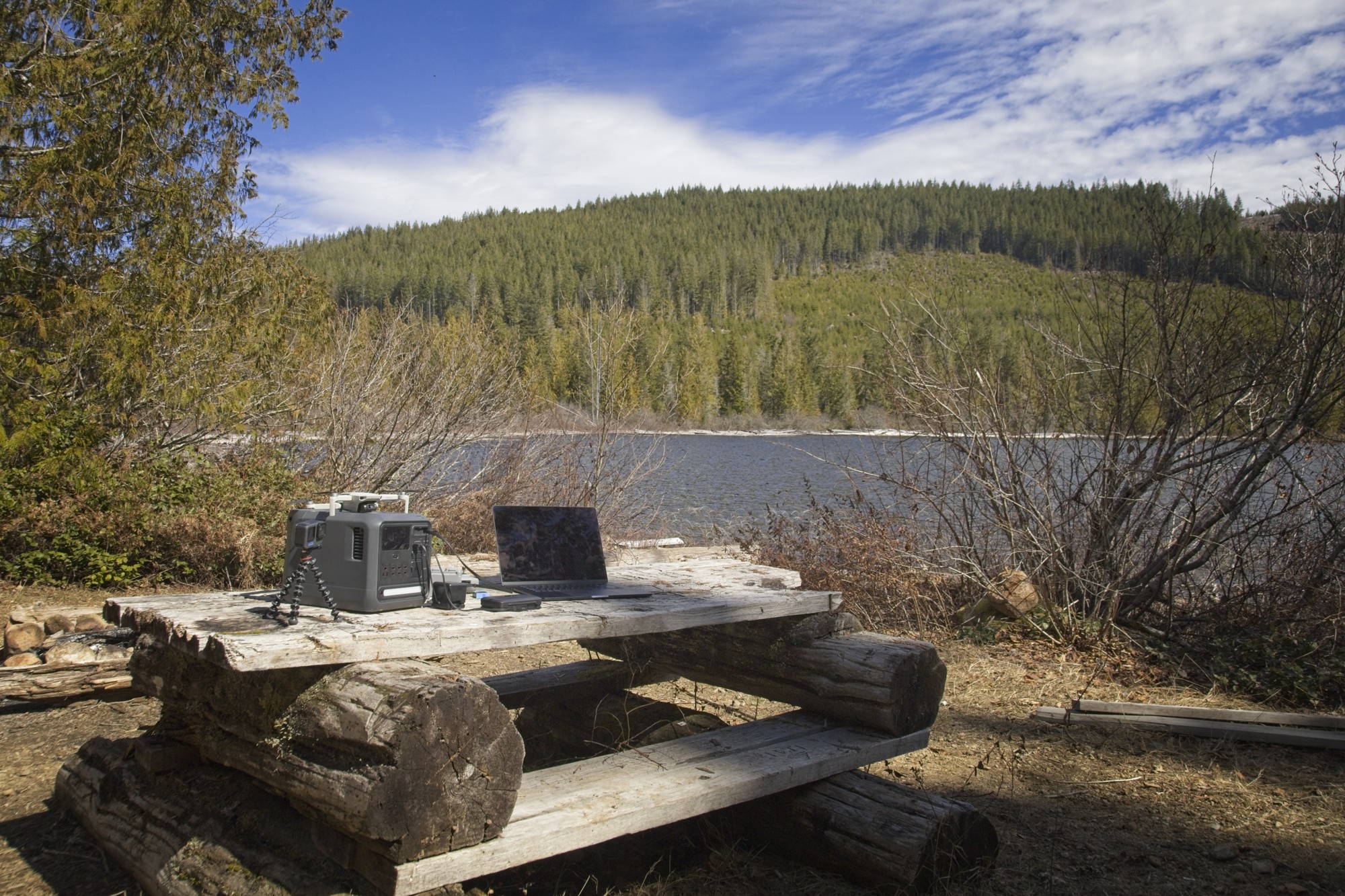
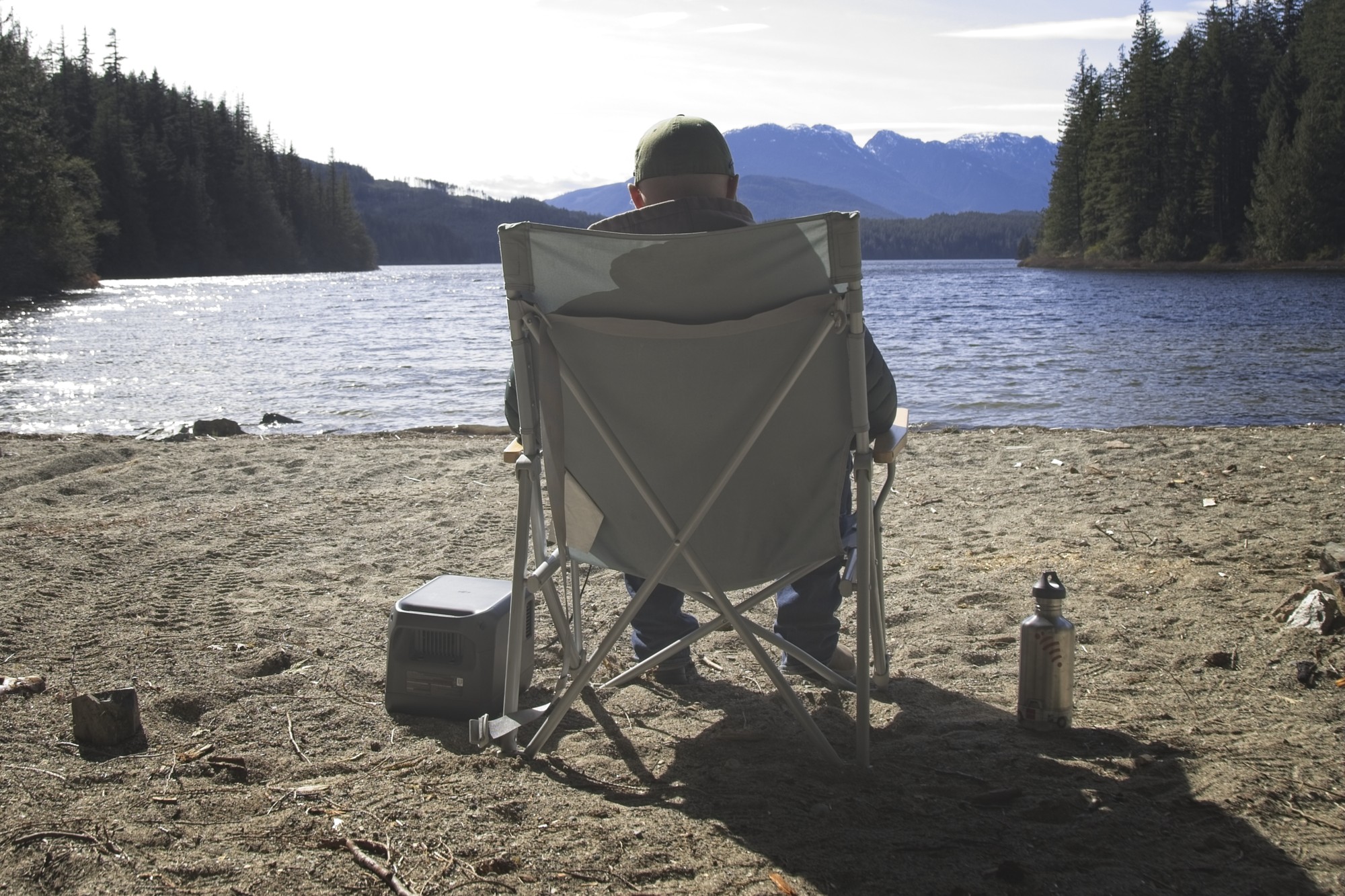
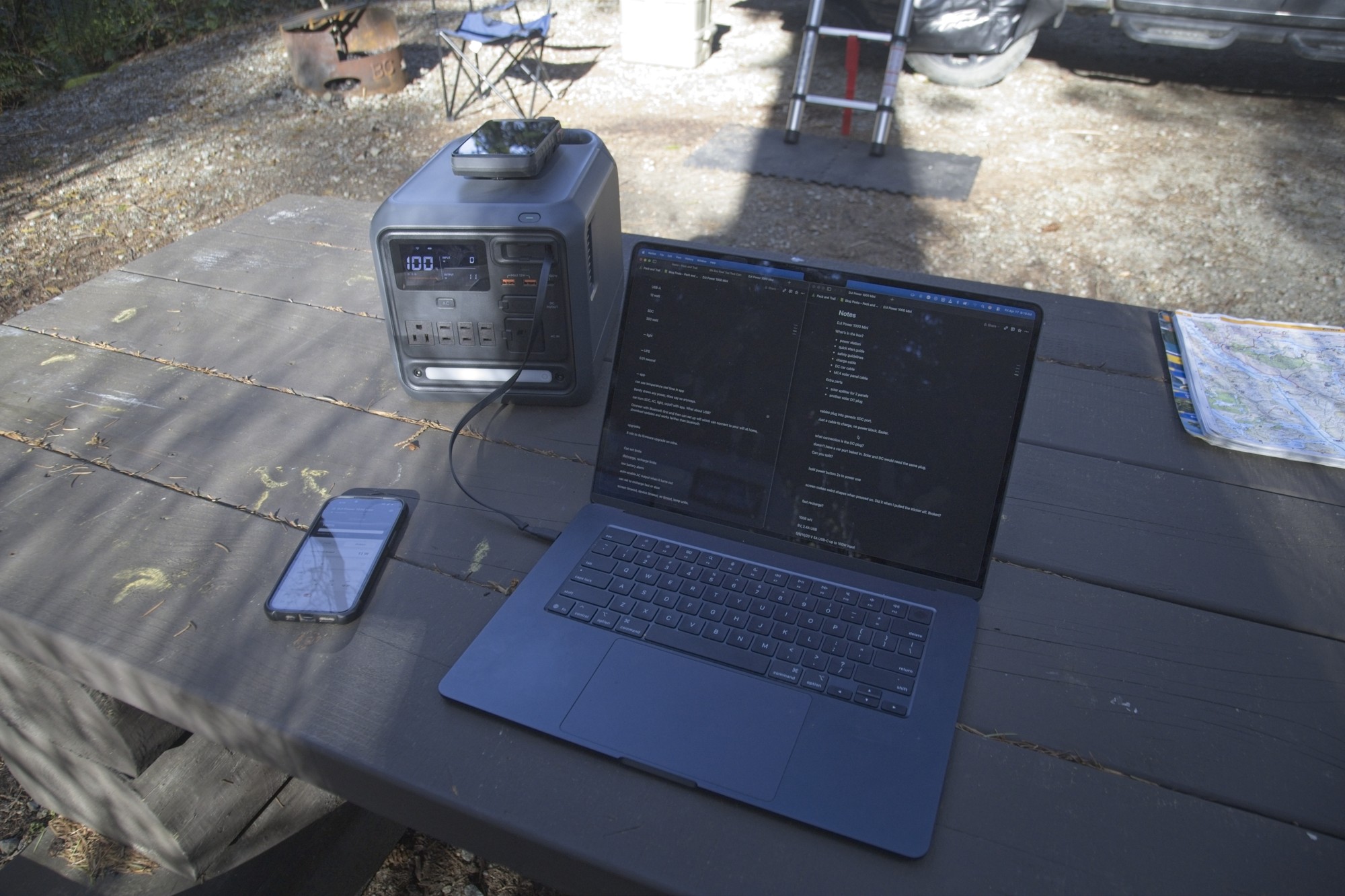
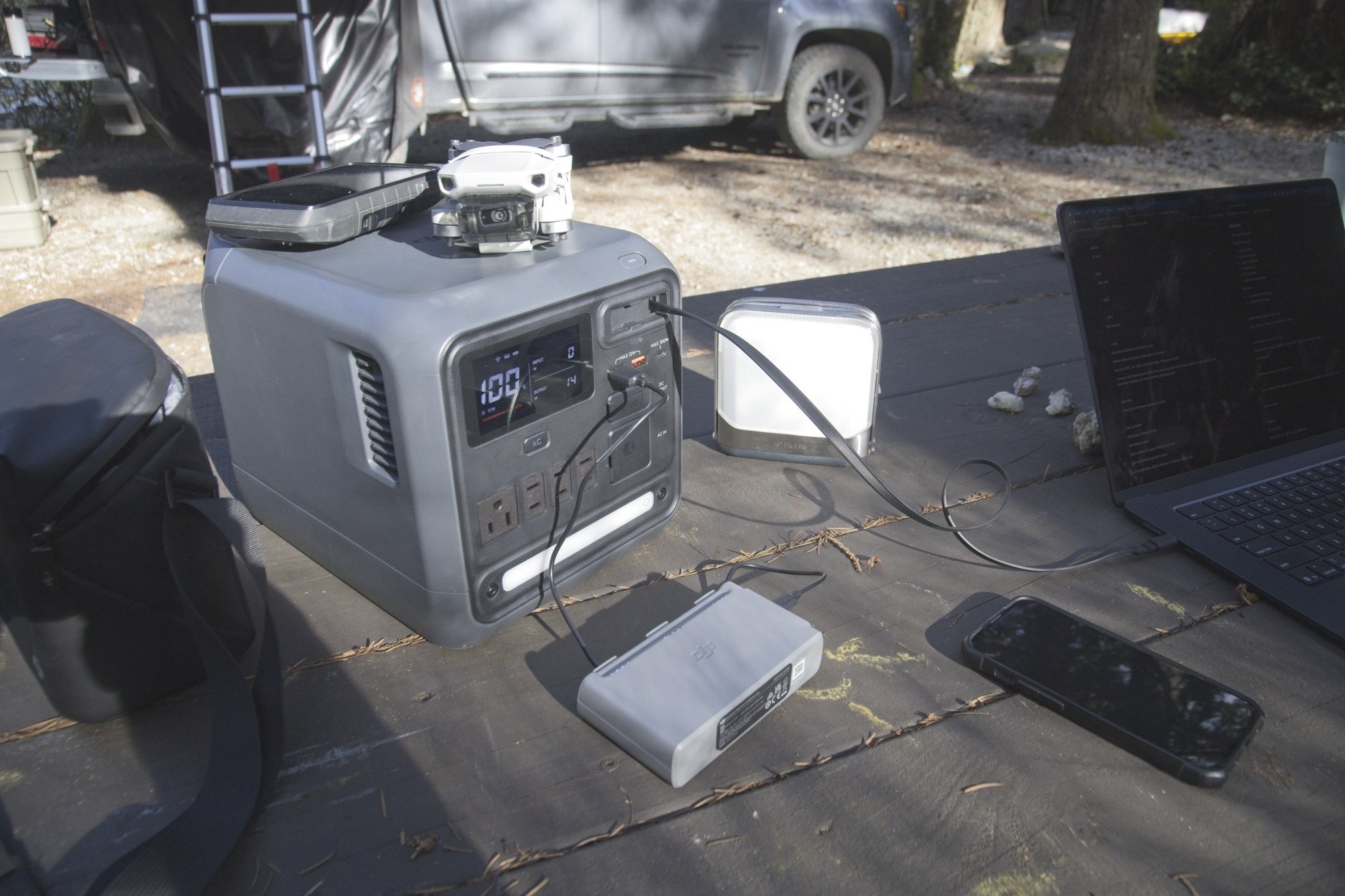
I received a free product sample from DJI to test for this review. This post contains affiliate links, which means I may earn a small commission if you make a purchase through my links, at no extra cost to you. I only recommend products I believe in. All opinions are my own.